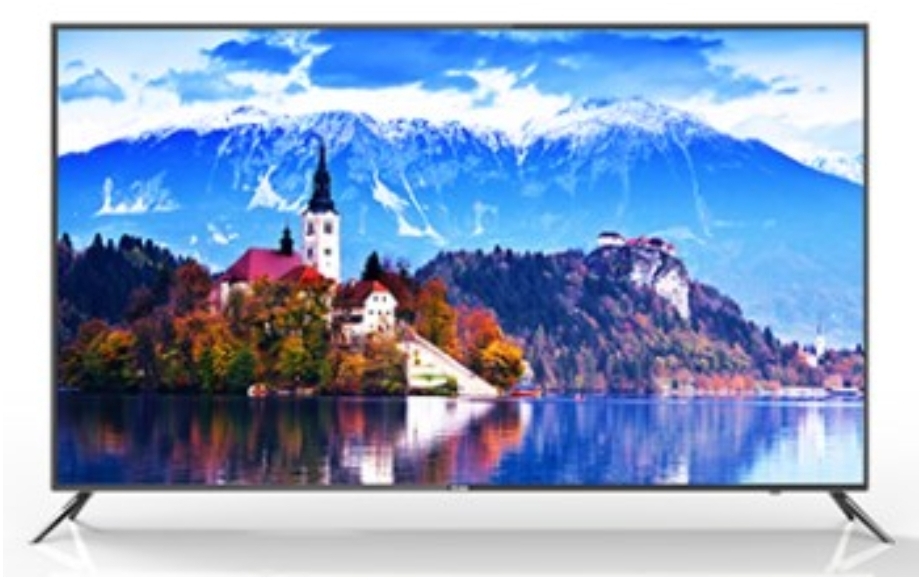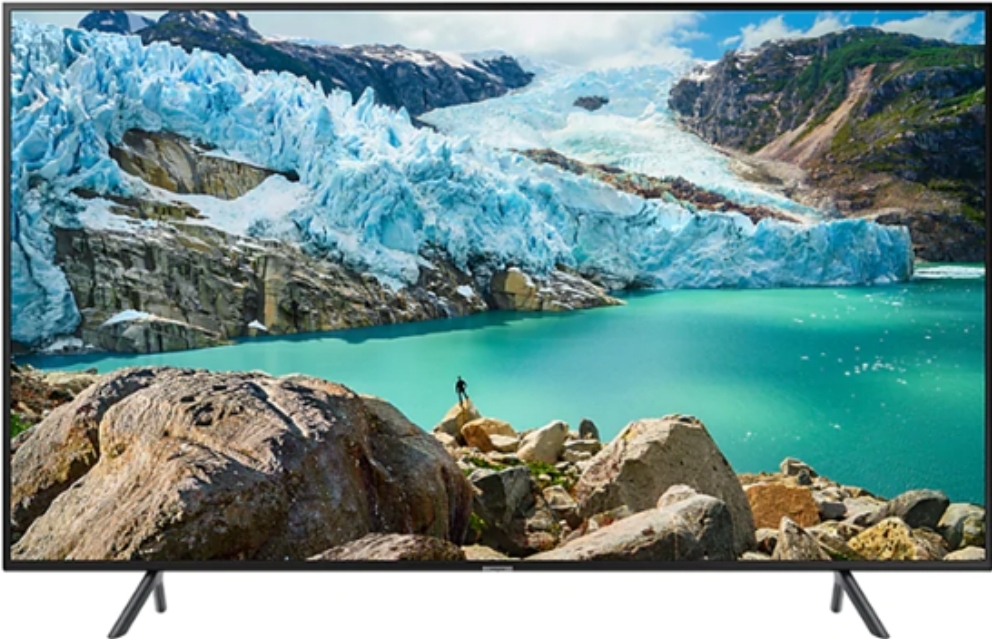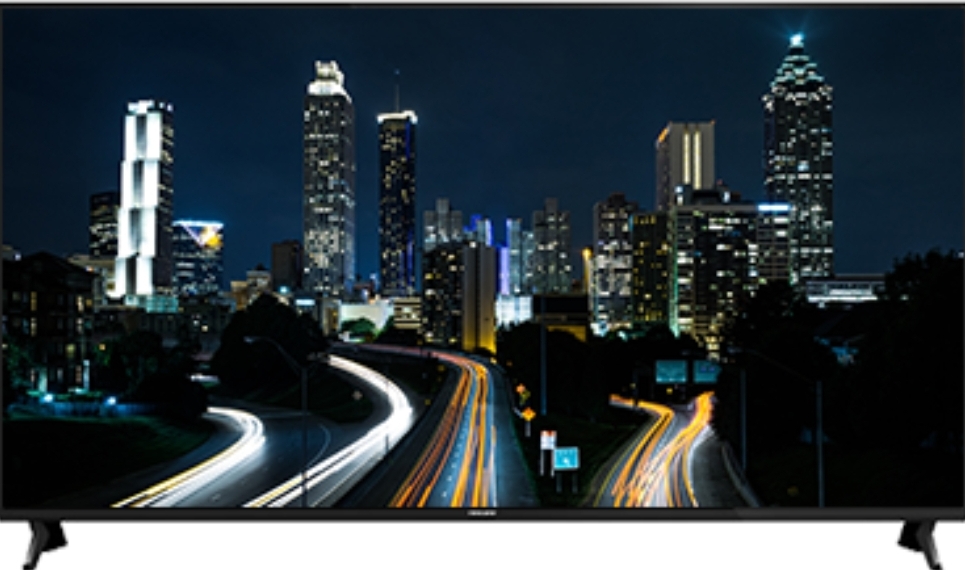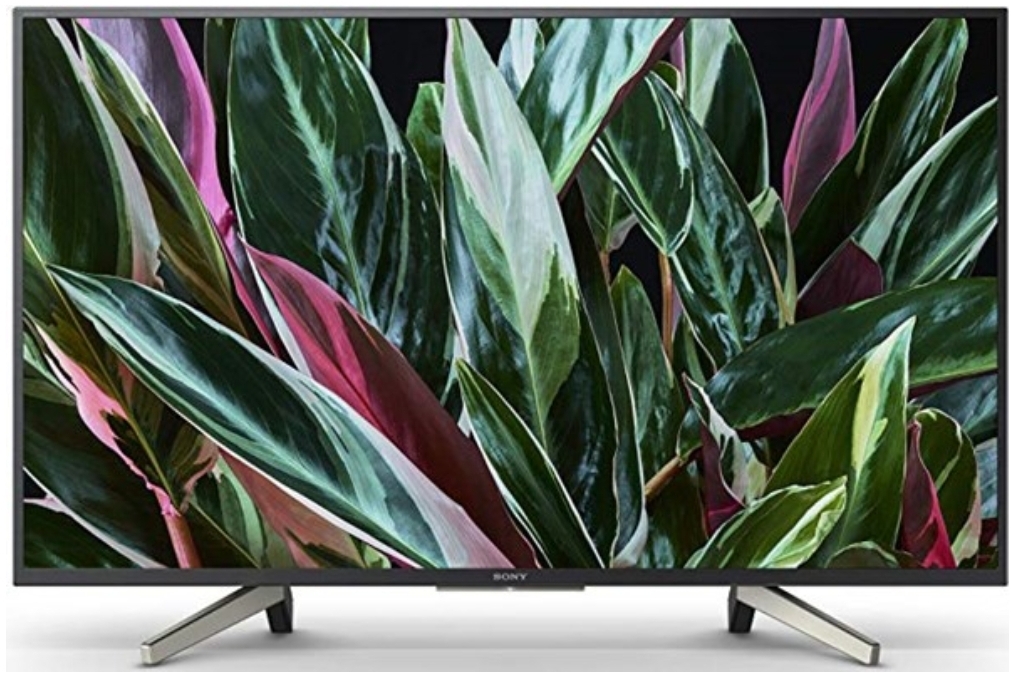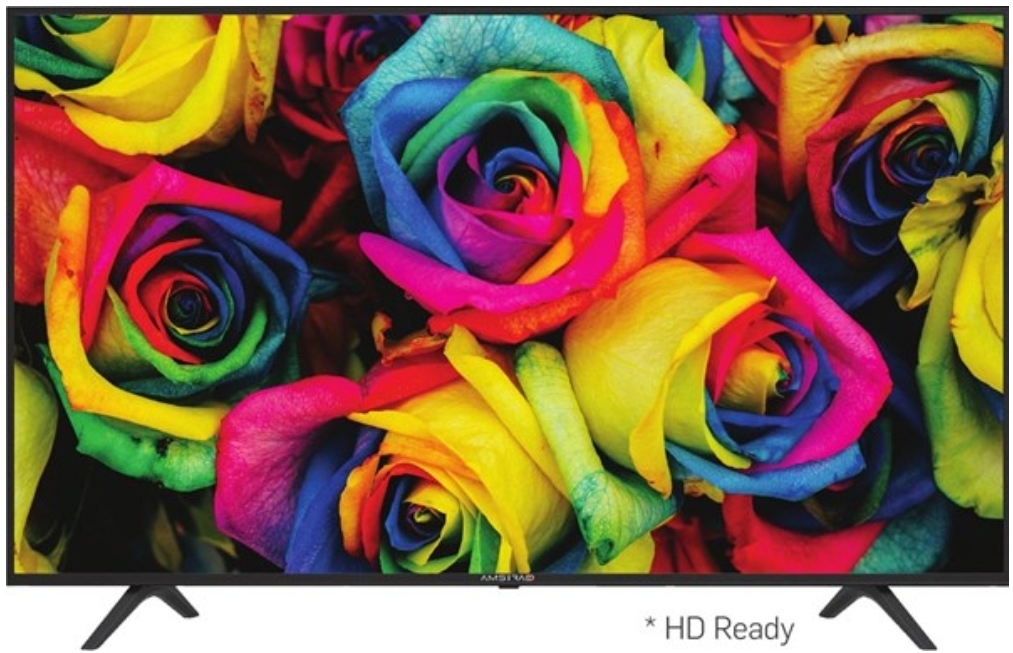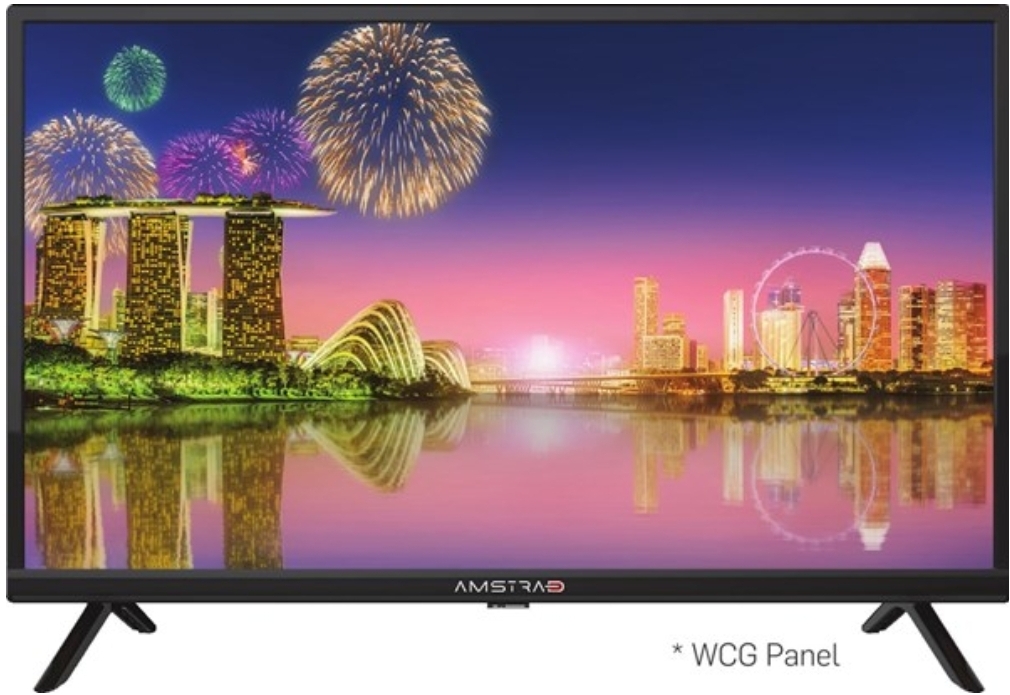
4K HDR
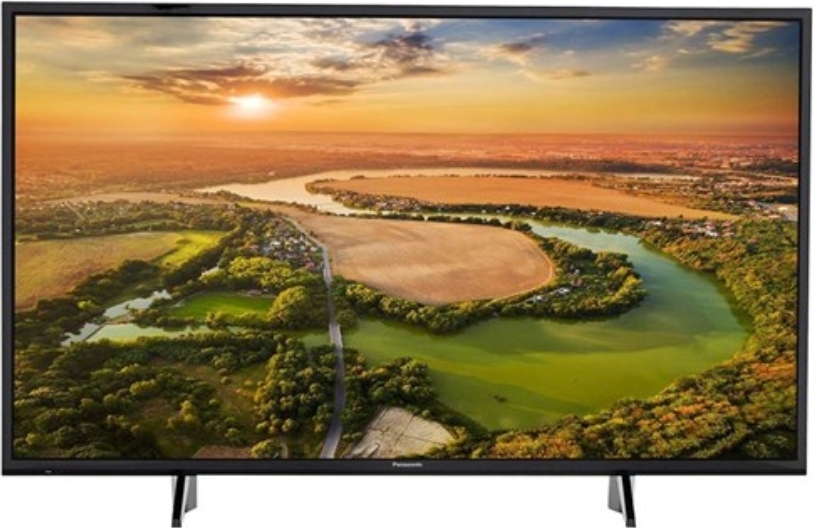
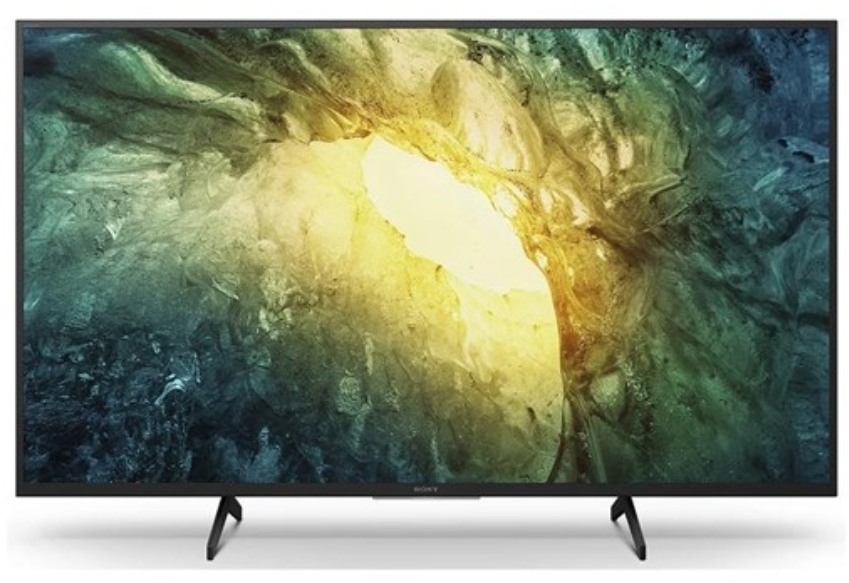
The 4K Ultra-HD screenfeatures HDR (High DynamicRange) picture that delivers sharp detail with minimal noise.
*HDR support: indicates the processor supports HDR
Upgraded graphics engine
next prev
700,000+ Hours of Content
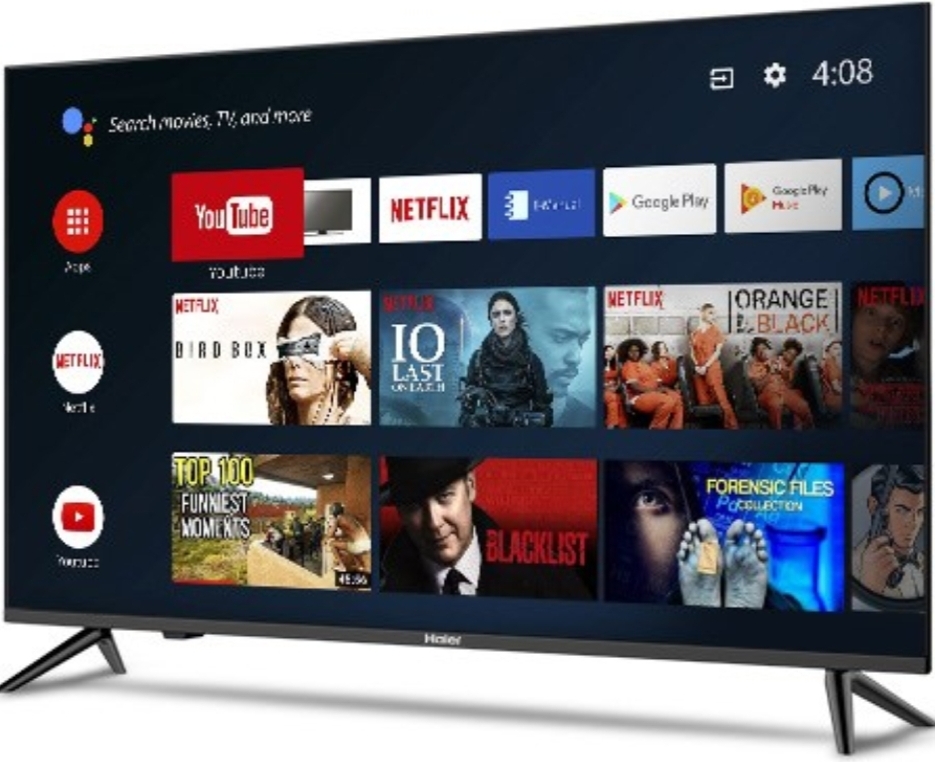
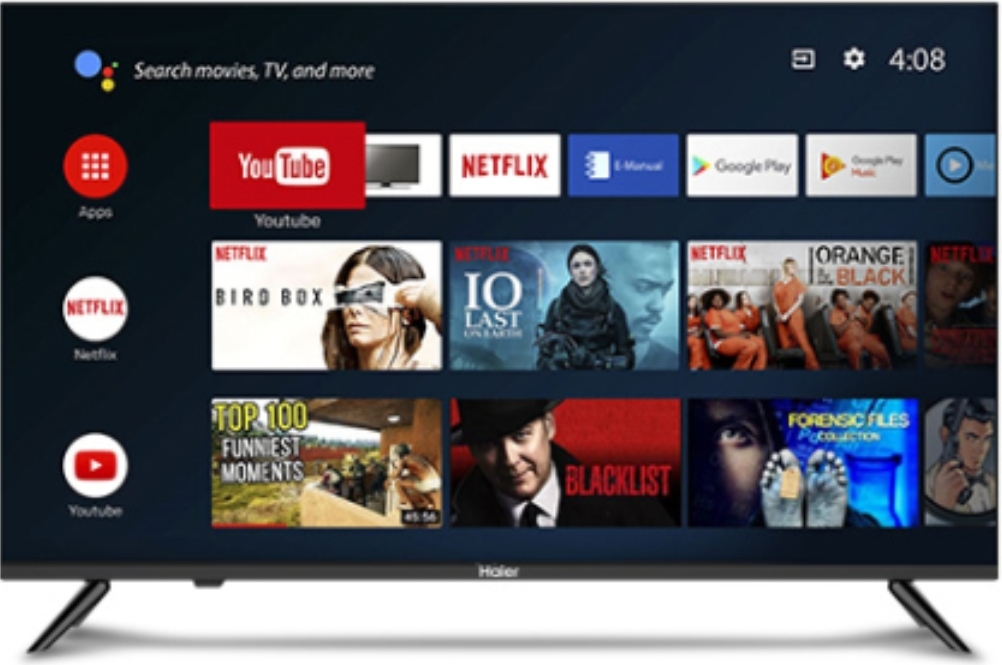
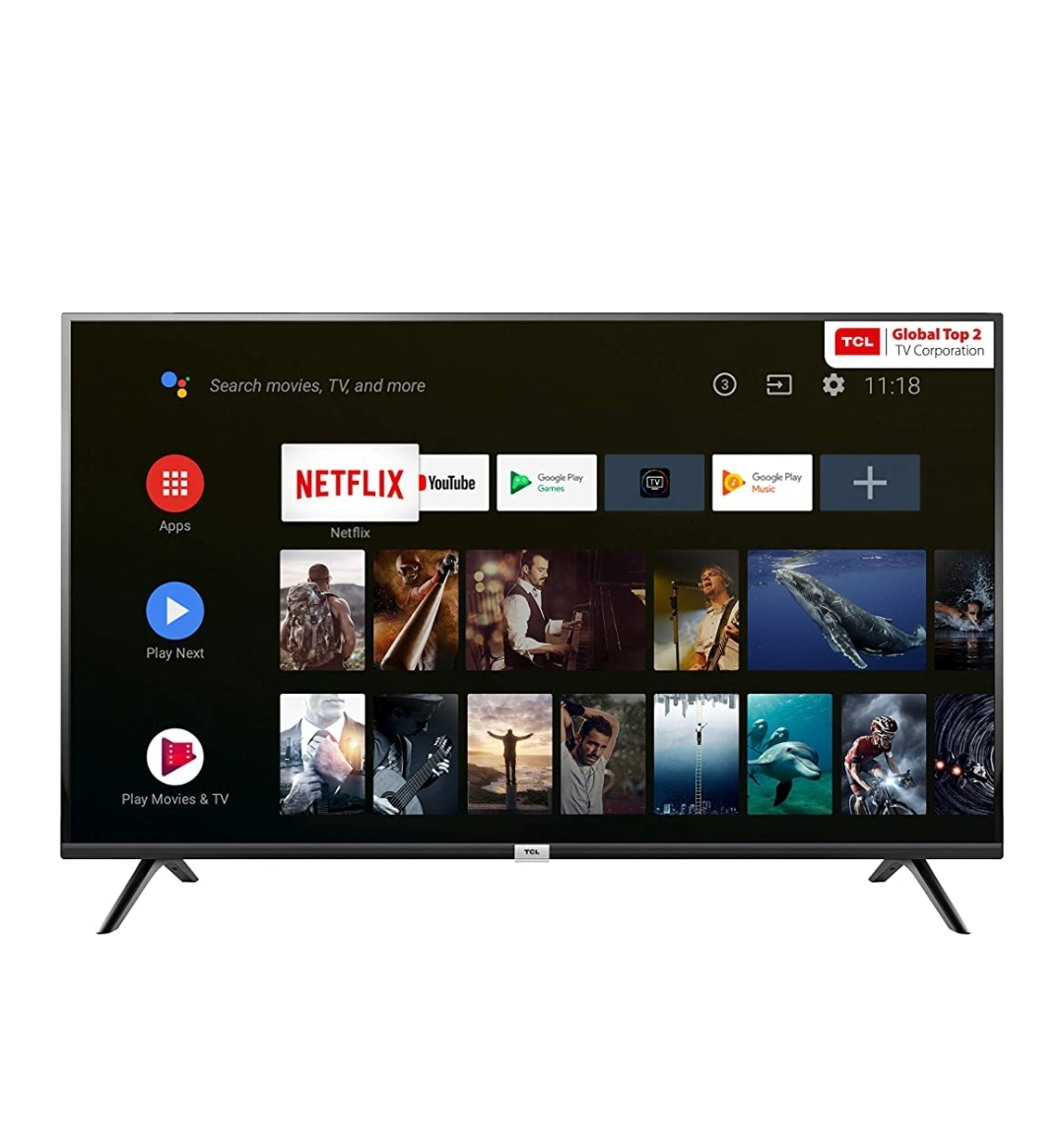
Compatible with PatchWall, one TV meets the viewing needs of the whole family
* Subscriptions/charges may be required for certain content.
PatchWall
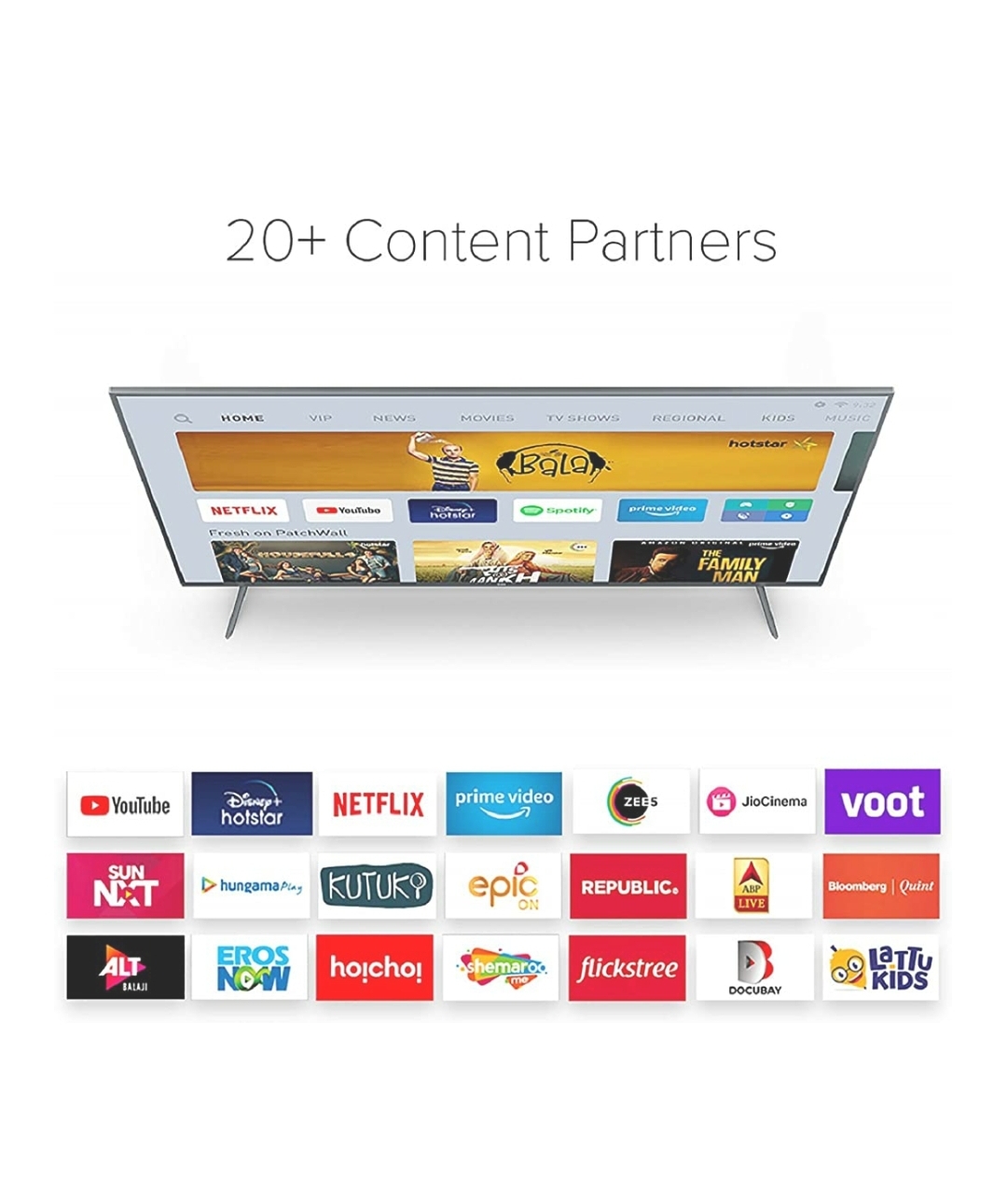
PatchWall has 700,000+ hours of content and we are constantly adding to the catalogue to keep the entire family entertained.
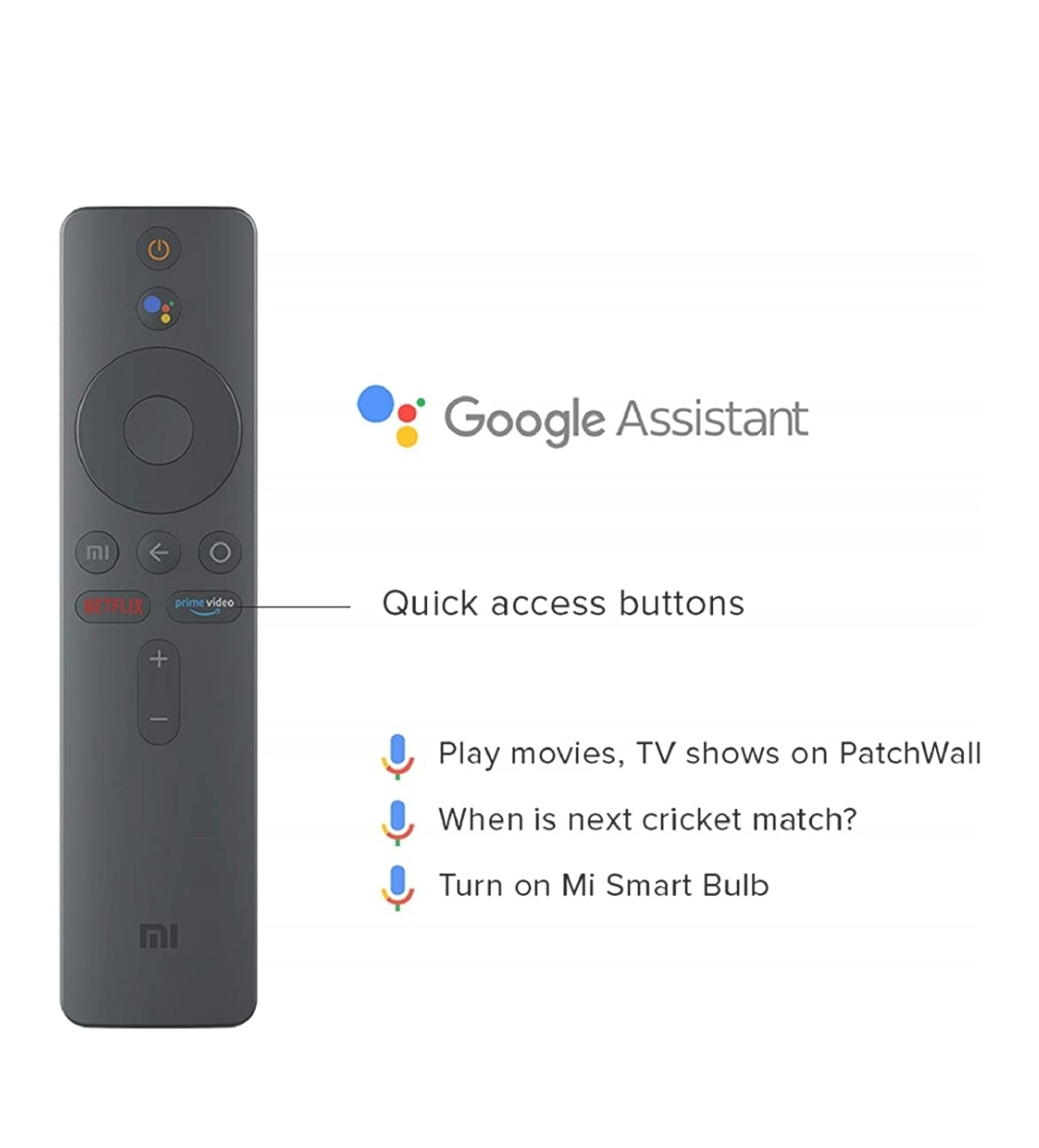
Google Voice Search
Android TV now comes with Google voice search built in.
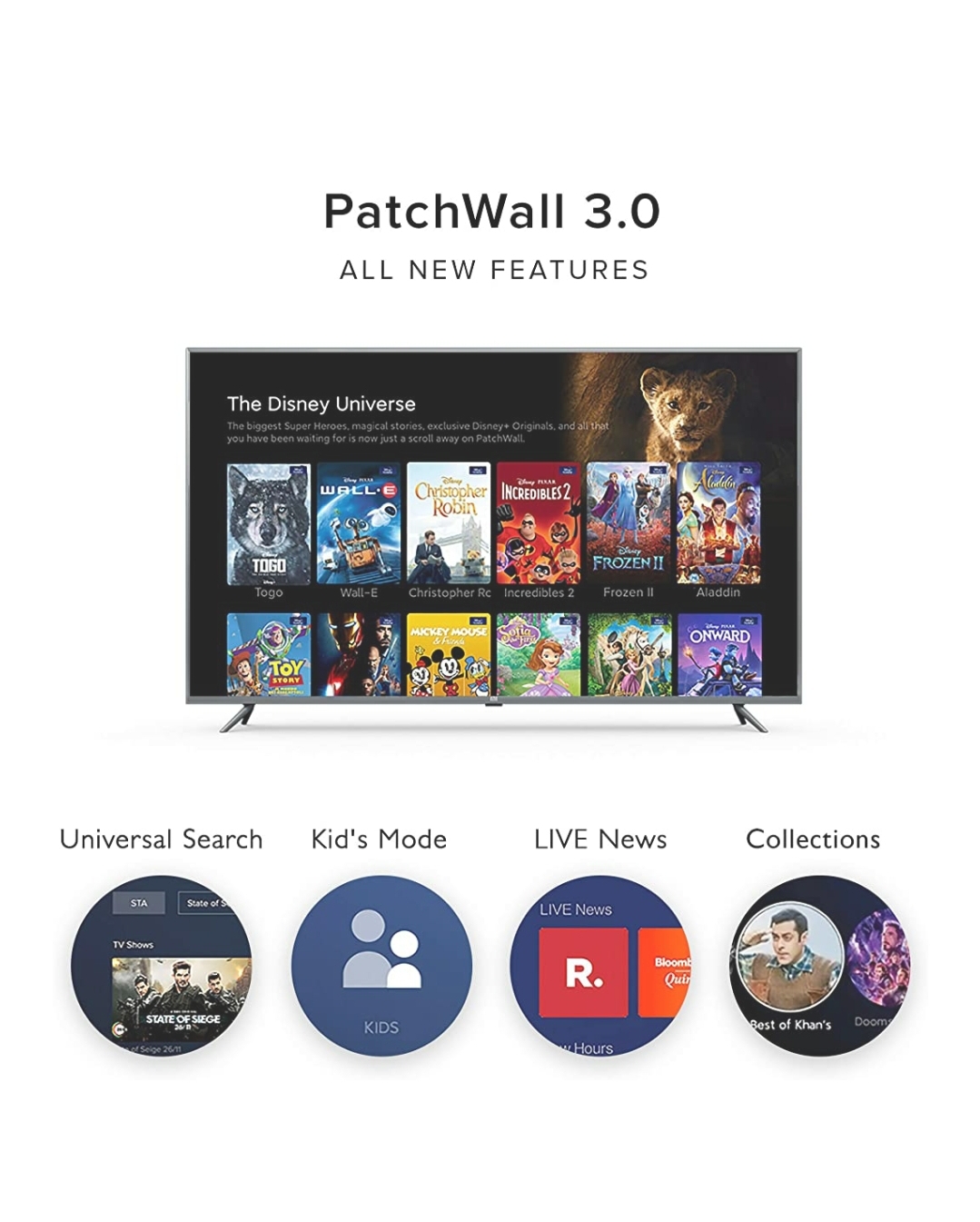
PatchWall curates andrecommends content just for you
Universal Searchhelps find content easily
The One Remote, One Interfacemodel creates a unified STBand SmartTV experience
Connect set-top box to watch DTH/ Cable TV content Connect with Mi IR Cable to activate this function.
You can also mirror your phoneto the TV and binge watch yourfavorite shows
Powered by Chromecast
Available Google Services
20W Stereo Speakers
Louder and Clearer
For a powerful sound experience
Powerful 64-bit Quad-core processor
The processor features 2GB RAMand 8GB storage memory making hangs and lags a thing of the past.
64-bit Quad-core processor, 2GB RAM + 8GB Storage
Multiple Connectivity Options
Bluetooth 4.2 LE
2.4GHz/5GHz WiFi
Metallic greyfinish
The frame sports an elegant metallic finish that adds tothe premium look.
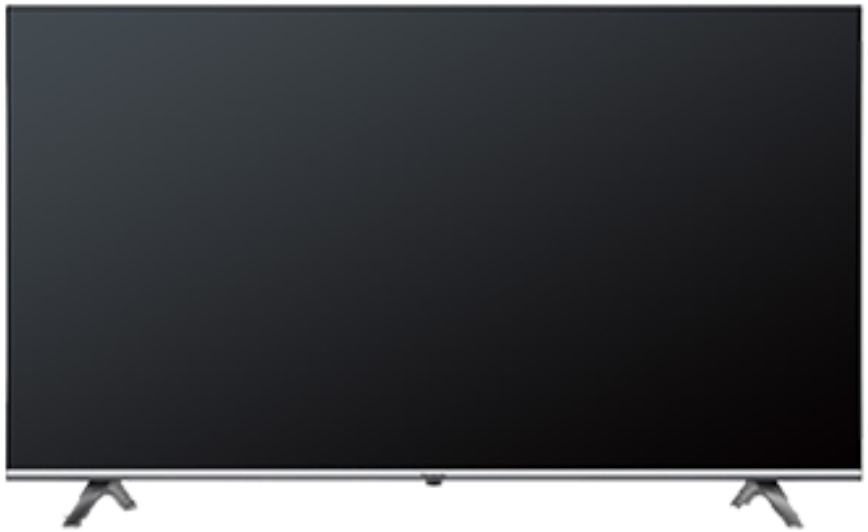
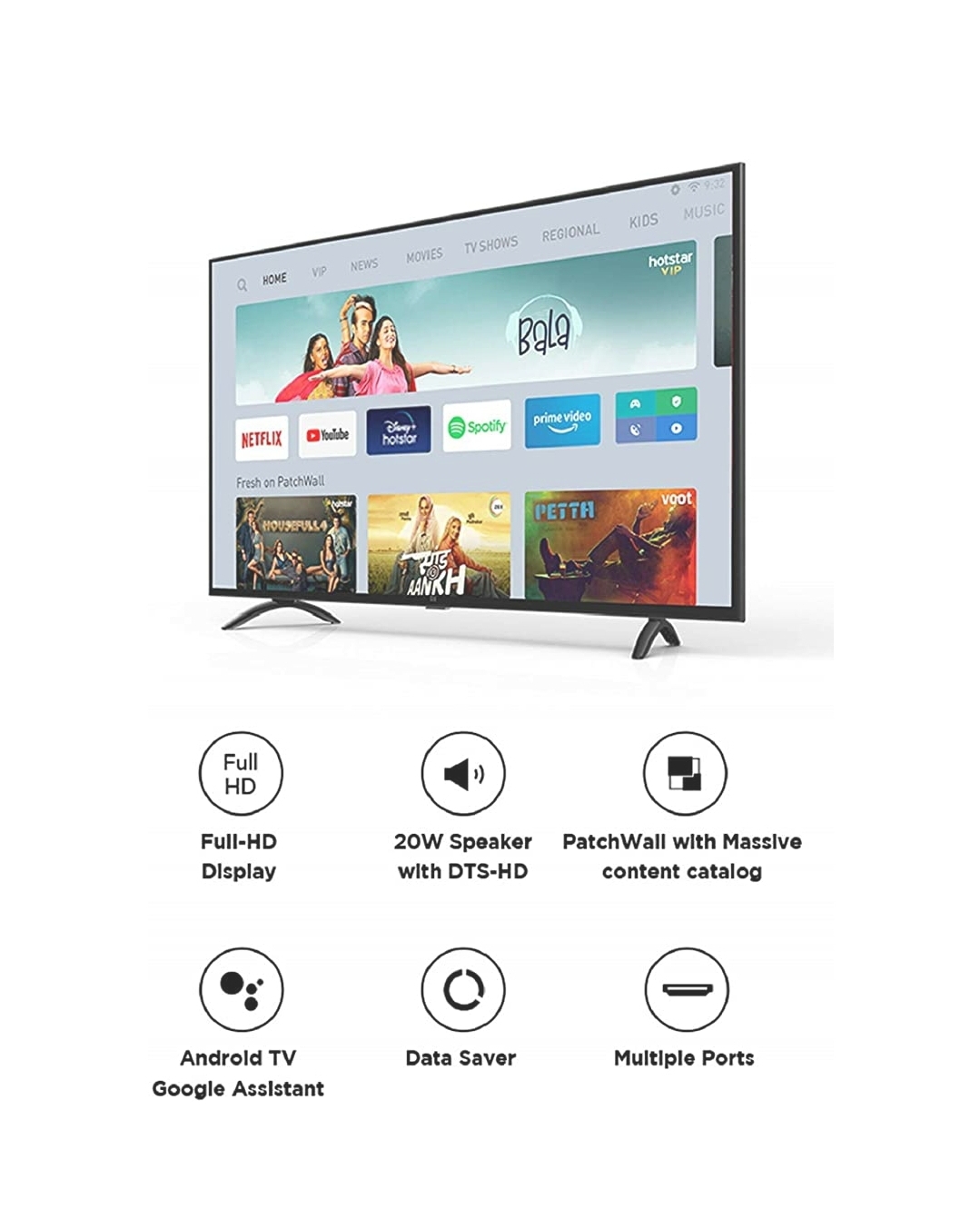
Mi LED TV 4X PRO 138.8cm (55) – India’s Smartest Android TVDesigned to EntertainThe Mi LED TV 4X PRO (55) brings home the bigger picture. This Smart TV features the improved 4K Ultra-HD screen with dynamic HDR range for crystal clear visuals. The upgraded graphics engine comes with improvements that reduce noise and enhance brightness and contrast. This Android TV is perfect for the binge watcher as it incorporates PatchWall that comes with more than 700,000 hours of content for the entire family. Get the complete cinematic experience with the dual 10W stereo speakers. • The powerful 64-bit Quad-core processor renders clips free of lags and hangs, so you never miss out on any of the action• View the visuals like they were meant to be on the 4K Ultra-HD screen fully equipped with HDR dynamic range • Make the best of the Google Voice search function that allows you to control home device, play content, get answers and more• Connect to your smartphone or laptop effortlessly via Bluetooth 4.2 LE• Enjoy seamless storage and speed as this TV comes with 2GB RAM and 8GB storage space• The TV features an elegant metallic finish, which is sure to make it the focal point of your living spaceMi LED TV 4X PRO 138.8cm FAQs1. What are the pre-installed apps in Mi TV?Media player, Settings, Gallery, TV Manager, Sensy TV Guide, YouTube, Play Movies, Play Music, Play Store.2. What are the different sound and video modes available on the TV?a. Pre-set Video modes: Standard, Movie, Picture and Sports. Users can also customize the display parameters.b. Pre-set Sound Modes: Game, News, Movie and Standard. Users can also customize the audio parameters.3. Which DTH / Cable Operators are supported by Mi TV?Mi TV supports 4000+ DTH/Cable Operators across India.4. How do I update the TV software?Please go to Settings >About TV>Check now5. Which app store can I use to install apps?Mi TV comes with Google’s Play Store. You can find TV apps in the play store. These apps are specially made for TV. Please note: You will not find all the apps that you find on your phones on TV Play Store. 6. Does Mi TV support Screen mirroring?Yes, you can use Google’s Home app to mirror your screen and watch content from apps like Netflix and Prime video.https://in.c.mi.com/thread-1708362-1-0.html7. Can I change TV channels using my Mi TV remote?Yes, you can. Please ensure that the IR cable is connected to the Mi TV and is facing the Set Top Box. Configure the Set Top Box under Sensy TV Settings, and you are good to go.8. Can I use the Mi Remote with CEC supported devicesTested Devices: Amazon Fire TV stick, Apple TV 4KNote: You cannot use the remote with any of the Set-Top boxes9. How can I get Demo and Installation for my TV?Call our customer service Toll free number 1800 103 6286 for installation/demo request or you can click on this link: https://mi.hatetowaitapp.com/tv/installationPlease Note: Installation & Demo within first 15 days of purchase will be free of cost and after this period customer has to pay for the installation. This is applicable only for one visit of Installation & Demo in first 15 days.10. Is IR cable compatible with all the set top boxes?Yes, it is compatible with all set top boxes which have an IR sensor (IR set top Box) in it.11. Will the TV support 3rd party application?Yes, 3rd party applications can be downloaded on the Google Play Store. 12. Does the TV have Chromecast optionYes, all our Pro series TV have Chromecast built-in. You can also mirror your screen by using Google Home App. 13. Does the TV have auto play option?Currently, AutoPlay option is not available on Android TV